
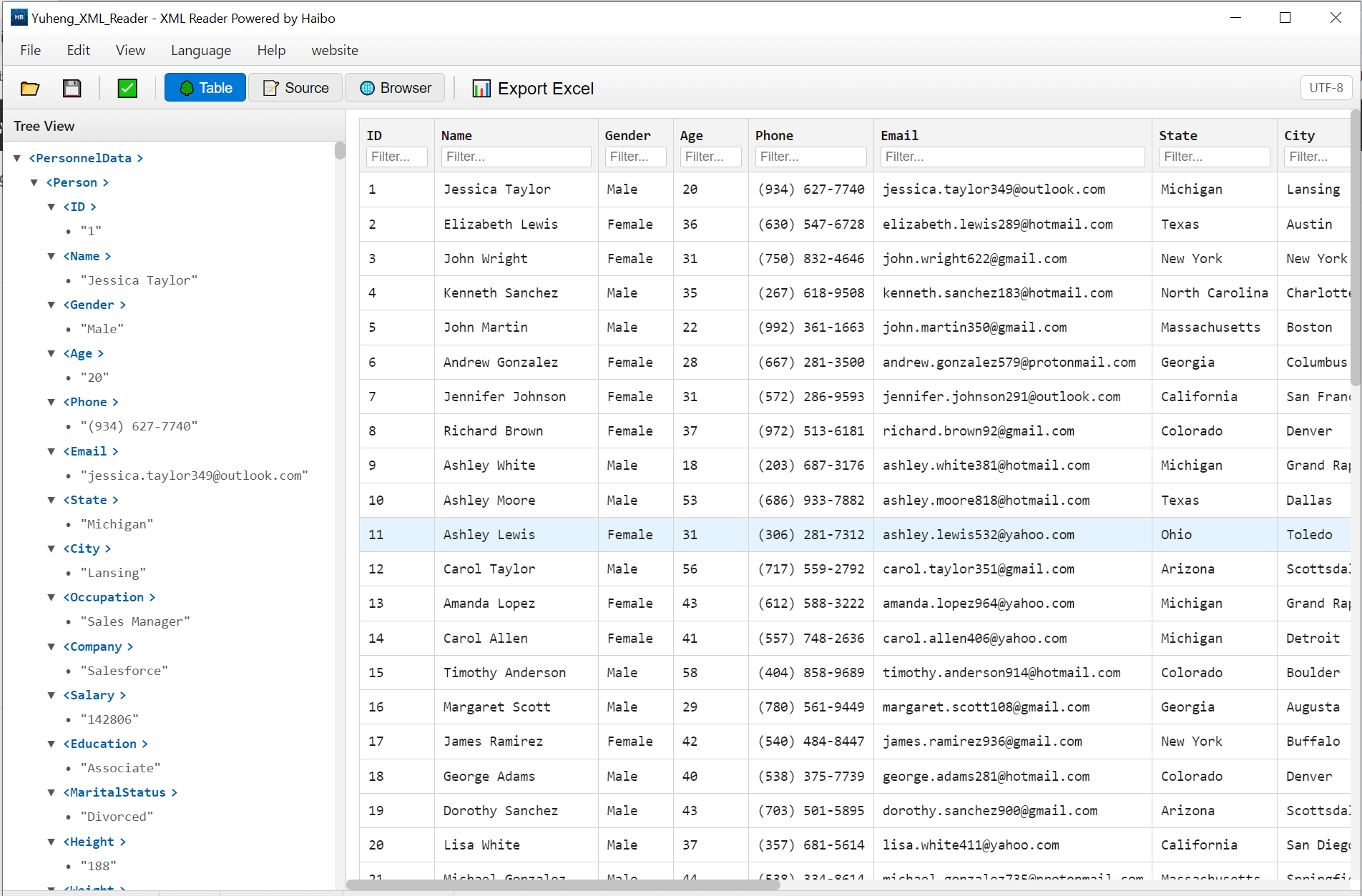
Open and inspect XML files locally. Repeating nodes become table rows, and you can filter, sort and export the result to CSV.
100% local
Files are never uploaded.
Smart structure
Auto-detects node hierarchy.
One-click export
Export to a table view.
Filter & sort
Built-in search and ordering.
Product Details
Yuheng XML Reader is a lightweight XML parsing tool that runs entirely on your local machine.
- 100% Offline & Private: All parsing happens client-side. Your files are never uploaded to any server.
- Smart Structure Detection. Automatically identifies repeating XML nodes as table rows, with support for manual data path selection. Handles namespaces, attributes, and deeply nested structures.
- One-Click files Export: Open your XML file, preview the data in a clean table, and export to files with a single click.
- Built-in Data Tools: Filter and sort every column to find what you need fast.
- System
- Windows 10 / 11 (64-bit)
- Download size
- 9 MB
- Memory
- 4 GB
Learn more · How to use
Open the app
Launch XML Reader on Windows.
Open a file
Load your .xml document.
Explore
Browse the detected node tree.
Export
Export the view to a table for analysis.
Formats: Input: XML · Output: Table view / CSV
What's new
- Table view now handles files with namespaces.
- Added CSV export for the filtered view.
FAQ
No. Files are read locally and never sent anywhere.
Yes — export the structured view to a table with one click.
As large as your free memory allows. Files of a few hundred megabytes open fine on a normal Windows PC, because the table only draws the rows you scroll to.
Why download from Microsoft Store
Safe, simple, and always up to date, the way software should be.
Automatic updates
Get the latest features and fixes the moment they're released, no manual downloads, no reminders.
Security certified
Every app is verified by Microsoft, so you can install with confidence, no malware, no surprises.
One-click install
Click Get and you're done. No installers to run, no permissions to configure, it just works.
